The globe
The object behind every page is a sphere of dots with a wave crossing it: a DNS record leaving one place and reaching resolvers around the world. It's one fragment shader, and this is how it works.
What it looks like
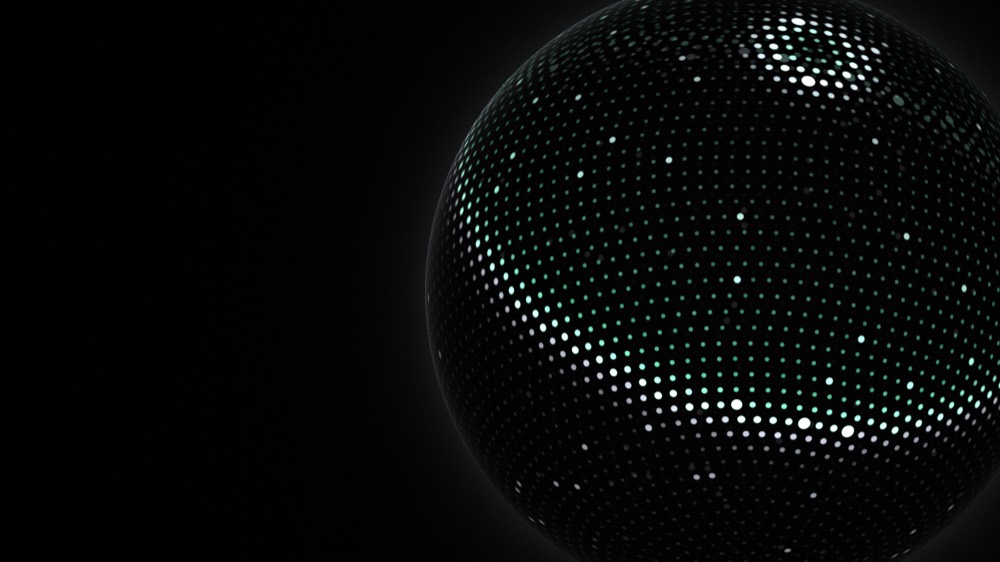
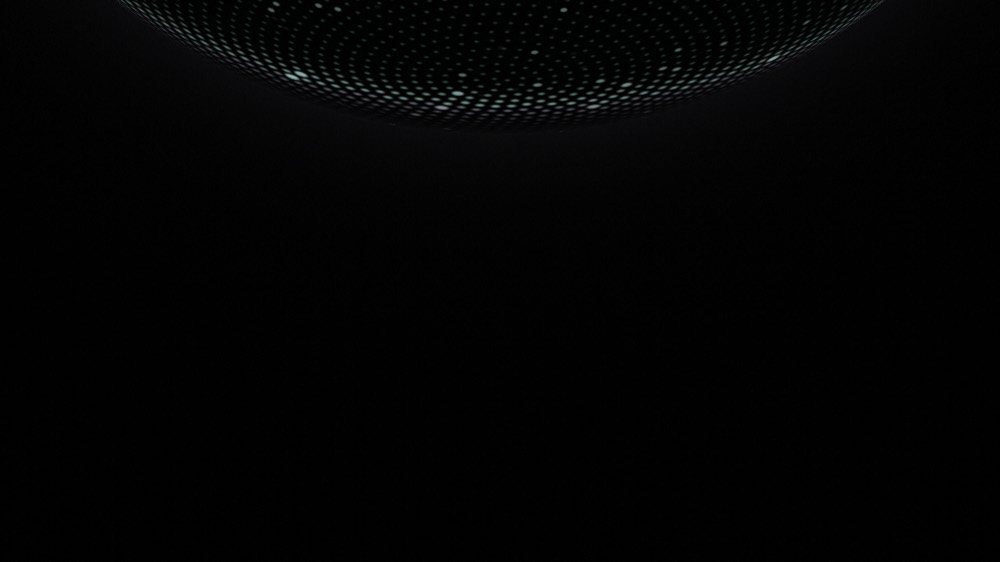
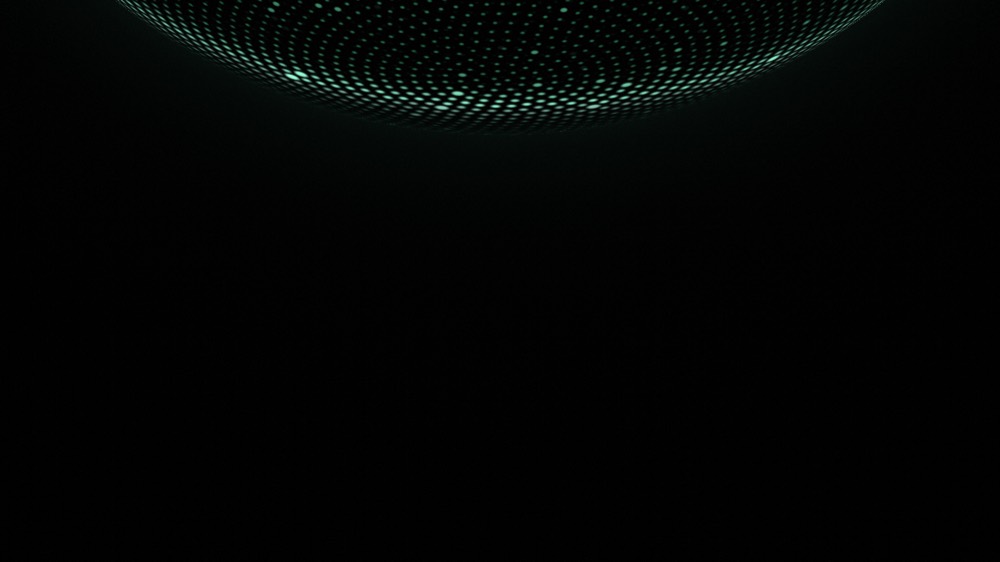
These three are real frames from the shader, drawn without a browser by apps/web/scripts/render-globe.mjs while writing this chapter. The bright ring is the record arriving. The green it leaves behind is "seen here".
One shader, no geometry
A answers one question per pixel: what colour am I? This one is drawn over a single full-screen rectangle. There are no triangles making up a sphere and no textures. Every pixel works out for itself whether it's on the sphere, and how close it is to the nearest dot.
var p = (uv - params.center) * size / short_side;
p.y = -p.y;
let q = p / params.radius;
let r2 = dot(q, q);
if (r2 < 1.0) { ... }
q is this pixel's position measured in sphere radii from the sphere's centre. If its length squared is under 1, the pixel is inside the circle the sphere makes on screen. There's no mesh. A sphere is just 'every pixel within one radius of a point'.
Two waves run at once. An ambient one loops every 9 seconds whatever the page is doing. The other is the one a page asks for with pulse(): it moves at 1.5 radians a second and fades out over 3.2 seconds, so it crosses the whole sphere in about 2.
What the page tells the shader
A shader can't see the page. Everything it knows arrives as , in one struct called Params.
| Uniform | Means | Set from |
|---|---|---|
texel | 1 ÷ the canvas size in pixels | The canvas, on resize |
center, radius | Where the sphere sits and how big | poseFor(scene), eased, minus the scroll |
time | Seconds since the globe started | The frame loop |
pulse | Seconds since the last wave a page asked for | stage.pulseAt |
tint | 0 while proving, 1 once verified | stage.tint, eased |
energy | Overall brightness | poseFor(scene), eased from 0 on load, plus 0.2 on hover |
yaw, pitch | Extra turn and lean, in radians | poseFor(scene), eased, plus what someone dragged it by |
State in a module, not in React
// apps/web/components/stage/stage-store.ts
export const stage: StageState = { scene: "hero", tint: 0, pulseAt: null, revision: 0 }
pulse() is called in three places: when a domain is submitted, when a check starts, and when the phase changes. Typing doesn't send one.
One globe, moved between pages
Stage is rendered in the root layout, so the canvas is created once. Going from the landing page to a claim doesn't tear a globe down and start another. The scene changes, and the same sphere travels to its new pose.
| Scene and screen | center | radius | energy | yaw, pitch | Reads as |
|---|---|---|---|---|---|
| Landing, wide screen | [0.8, 0.5] | 0.47 | 1 | 0, 0 | The object on the right of the hero |
| Landing, phone | [0.5, -0.27] | 0.95 | 0.6 | 0, 0 | Only its lower edge: a horizon above the headline |
| Claim, setup, email pages, wide | [0.5, (300 − r·short) / h] | 1.12 | 0.7 | 1.6, −0.32 | Lower edge pinned 300px down, behind the title |
| Claim, setup, email pages, phone | [0.5, (240 − r·short) / h] | 0.86 | 0.42 | 1.6, −0.32 | Lower edge pinned 240px down, dimmer under the work |
center is in uv, where (0, 0) is the top-left of the canvas and (1, 1) the bottom-right, so a negative y puts the centre above the screen. radius is a share of the canvas's shorter side. Wide means at least 900 pixels across and not much taller than it is wide.
// apps/web/components/stage/start-globe.ts
const k = snap ? 1 : 1 - Math.exp(-dt * FOLLOW)   // FOLLOW = 3.2
current.radius += (target.radius - current.radius) * k
Each frame closes a fraction of the remaining gap. The fraction depends on how long the frame took, so the motion is the same at any frame rate: at 60 frames a second each step closes about 5% of the gap, at 30 about 10%, and two of the small steps equal one of the big ones. After one second about 4% of the gap is left. It can also be redirected mid-way without a jump, which matters when someone goes back quickly.
Softening the edges
Every page adds two layers, after react.email's hero. Both live in EdgeFade in components/stage/edge-fade.tsx. The landing page, the claim page, the setup page and the two email pages each render it.
| Layer | Where it sits | What it does |
|---|---|---|
| Header | z-10, scrolls with the page | Stays sharp, because it's above the blur |
| fixed, z-[5], over the content | Content leaving at the top or bottom goes soft and dark | |
| Content | normal flow | The hero and sections |
| fixed, -z-10, after Stage in the DOM | The globe's light fades to black at the corners instead of being cut by the window | |
| Stage | fixed, -z-10, in the root layout | The globe canvas |
The vignette and Stage share the same z-index. The vignette wins because it comes later in the DOM, which only holds while nothing between them makes a new .
| Band | Blur | Covers (from the inner edge) |
|---|---|---|
| 1 | 0.5px | 0% to 33% |
| 2 | 1px | 0% to 50% |
| 3 | 2px | 17% to 67% |
| 4 | 4px | 33% to 83% |
| 5 | 8px | 50% to 100% |
| 6 | 16px | 67% to 100% |
A surface under the title
On every page that uses the claim pose, the globe's lower edge is pinned at a fixed height, CLAIM_HORIZON_PX in stage-store.ts: 300px down on a wide screen, 240px on a phone. poseFor works the center backwards from it:
const centerY = (horizon - radius * Math.min(width, height)) / height
A fraction of the window's height would move the edge as the window got taller, and it would drift away from the title, which sits at a fixed distance from the top. In pixels the two line up at any size. The pages start their content at pt-32 (sm:pt-40), so the title lands right on the edge.
ClaimSurface then darkens the bottom of the sphere behind the title: an oval centered on the edge plus a vertical ramp that goes from clear to 75% black at the edge, then fades out. The top of the globe stays bright and the title gets a dark surface to sit on. Its CSS is .claim-surface in app/globals.css, and its media query matches the globe's own test for wide: at least 900px and not portrait.
It turns as it moves
Each scene has a yaw and pitch too, and they ease with the same FOLLOW rate as center. Going to a claim page, the globe turns 1.6 radians and leans back 0.32 (SCENE_TURN in start-globe.ts) while it travels. Before, only its position and size changed, so it read as a flat picture sliding up.
Dragging it
Reduced motion
With reduced motion on, there's no frame loop at all. startStill draws one frame with the time fixed at 4.2 seconds, so the ambient wave is frozen mid-way, and with no pulse. It draws again only when stage.revision or the scroll position changes: a 250ms timer and a scroll listener both check. Following the scroll isn't an animation, so that stays on. If the setting changes while the page is open, it switches modes straight away.
When there's no WebGPU
| Situation | What happens |
|---|---|
| The browser has no navigator.gpu | Stage sets its status to unavailable and shows a still radial gradient where the globe would be. The shader code is never downloaded, because start-globe is a dynamic import behind that check |
| WebGPU exists and init() fails | A blocked or missing GPU. onUnavailable fires, and the same gradient shows |
| It works | The canvas starts transparent and fades in over 1.4 seconds after the first frame, so it never flashes |
Either way the page is complete without it. The canvas is hidden from assistive tech and ignores the pointer. On a dense screen it renders at no more than 2× the CSS size, because a 3× phone would shade more than twice the pixels for a difference nobody can see in soft dots.
How a .wgsl file gets into the app
start-globe.ts imports ./globe.wgsl like any module. A Turbopack rule in next.config.ts, wgslTurbopackRule from @vgpu/wgsl/next, compiles and minifies it at build time, and wgsl-env.d.ts gives the import a type. The rendering itself uses vgpu: init, surface, effect and frameLoop.
The decision is in docs/decisions/0010-the-landing-page-is-the-app.md, under The globe.